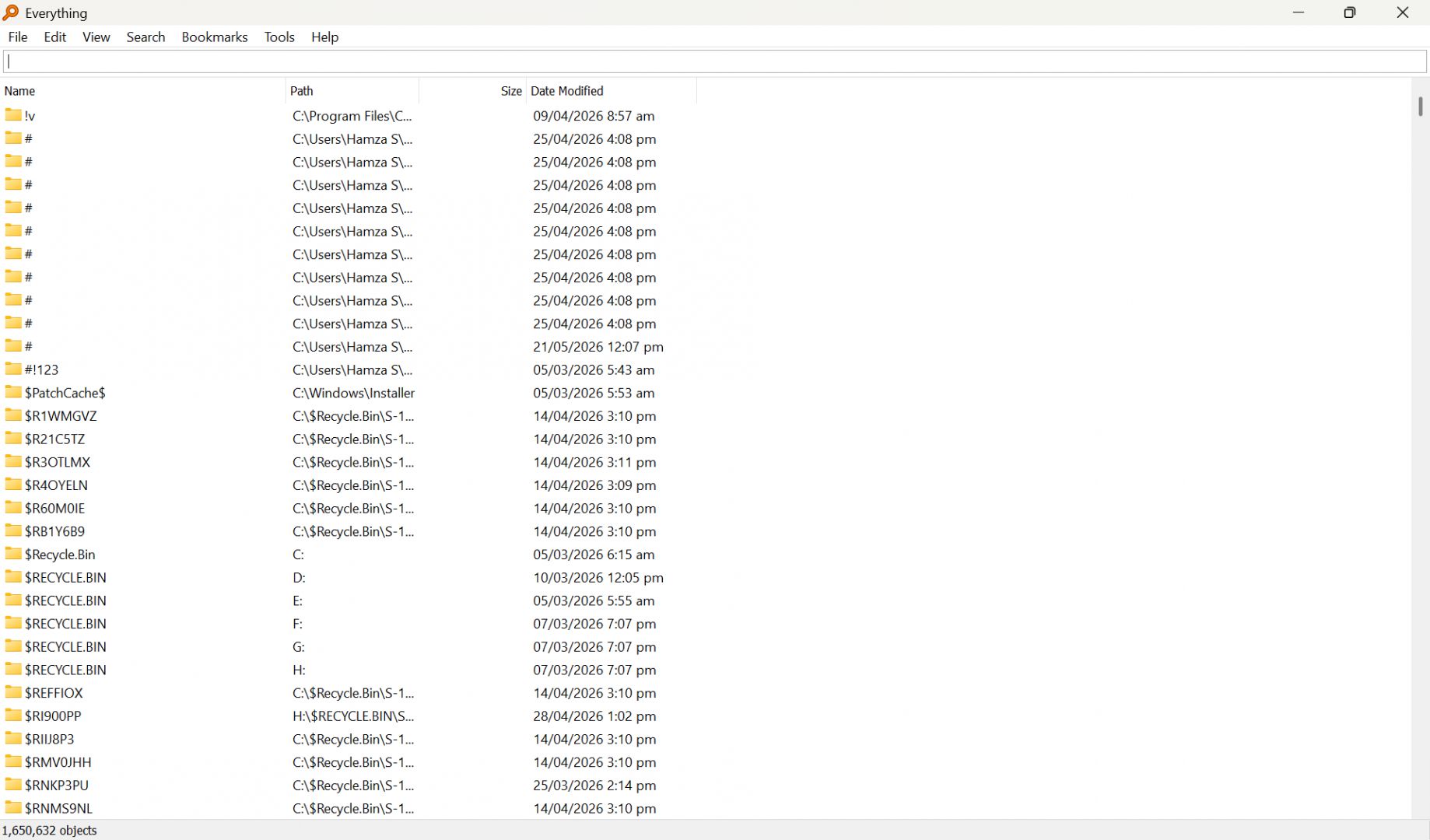
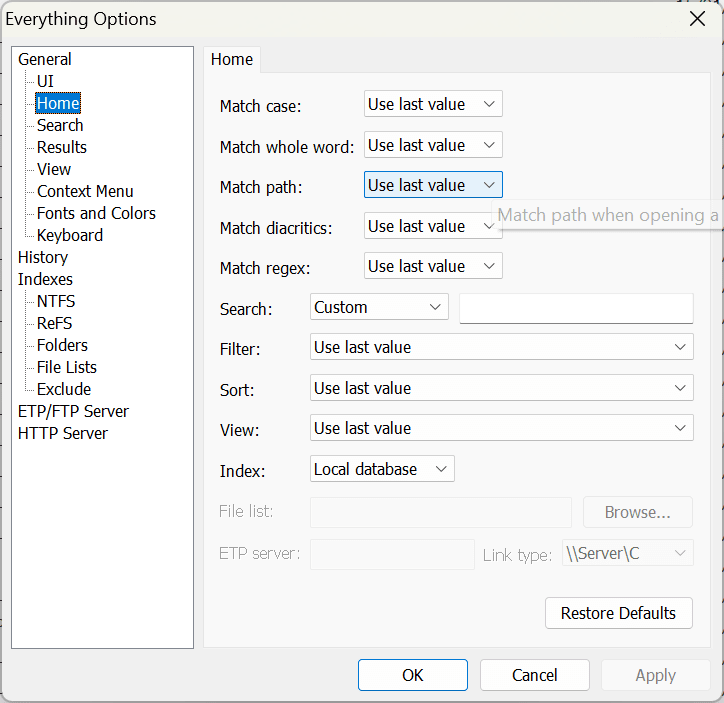
Everything is a free file search tool and one of the fastest utilities available for Windows. Developed by voidtools, it serves as a powerful alternative to the default Windows search experience. It focuses on instantaneous results by deploying a highly efficient indexing system.
The application has built a strong reputation among power users and developers who regularly deal with massive file directories. It creates an index of file and folder names directly from NTFS drives and monitors real-time updates through the NTFS USN Journal. This direct file system access makes queries execute instantly, completely eliminating the usual loading bar wait times you get with traditional desktop search tools.
Instant search and indexing performance
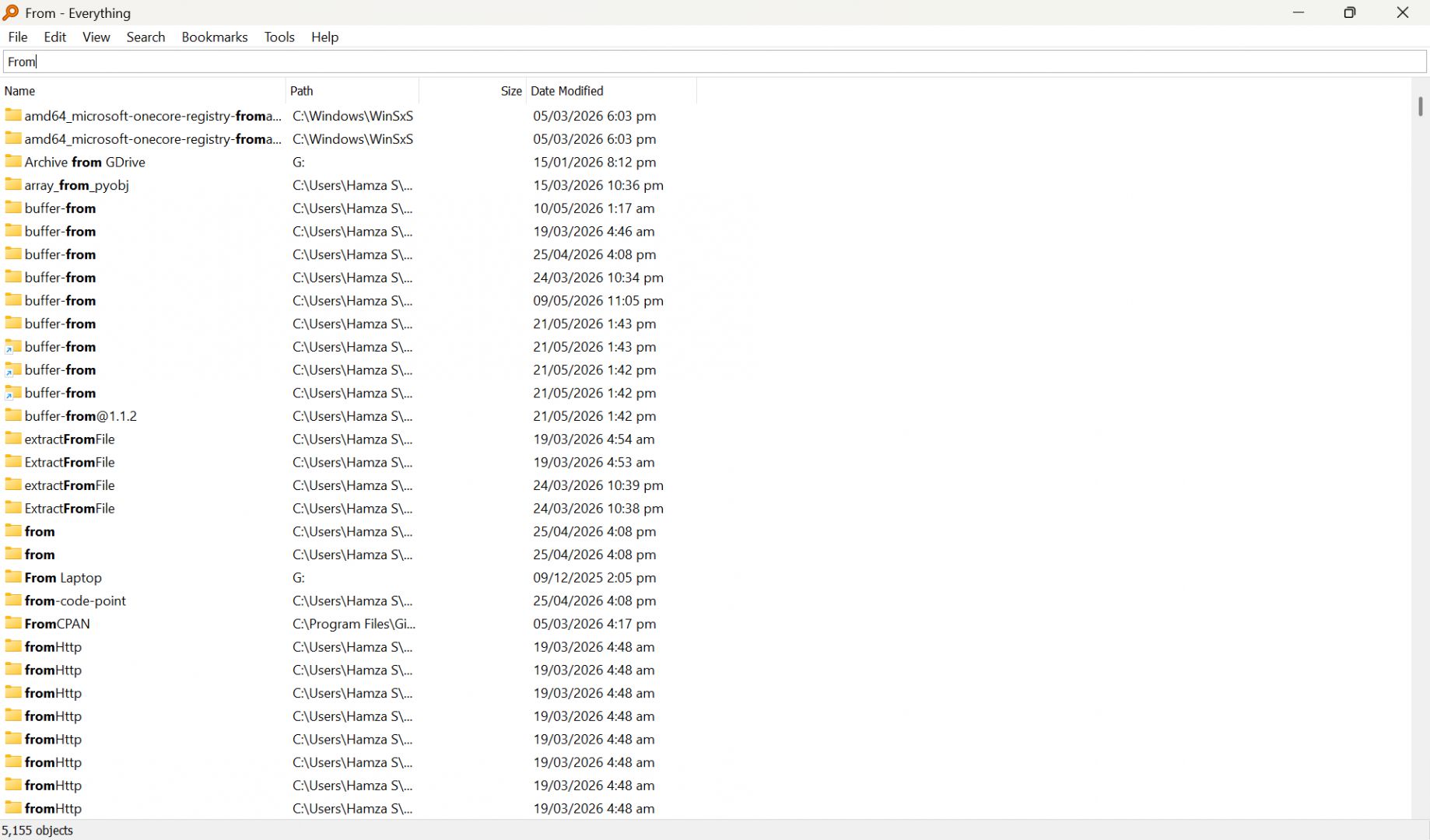
The core strength of this utility is raw speed. Once the initial index builds, you can type characters into the search bar and watch results update in real time with every keystroke. If you manage large archives or thousands of development assets, this immediate feedback loop dramatically speeds up your daily workflow.
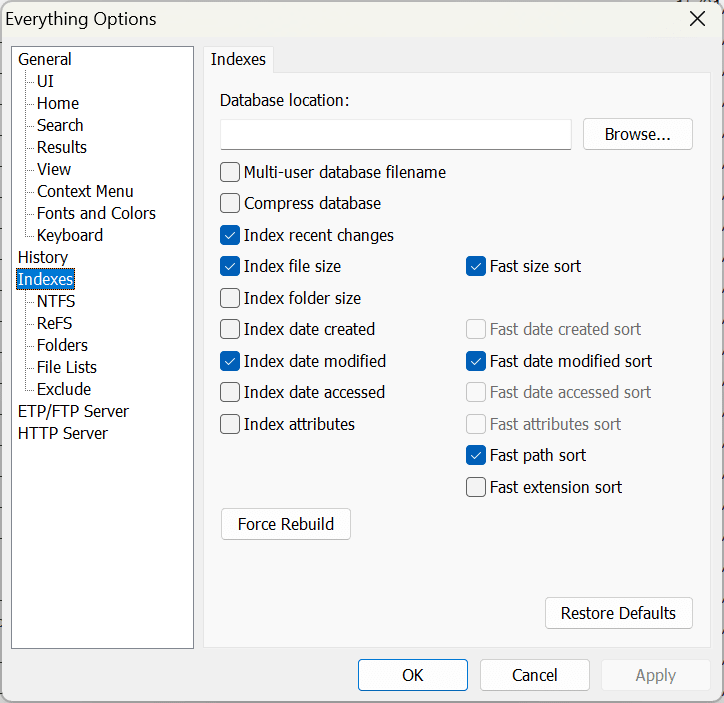
By default, the tool automatically indexes local NTFS volumes using the USN Journal. For non-NTFS drives like exFAT or FAT32, it relies on traditional folder indexing. The search performance remains incredibly fast, but the initial index build and real-time updating processes take slightly longer without native USN Journal access.
Advanced search filters and customization
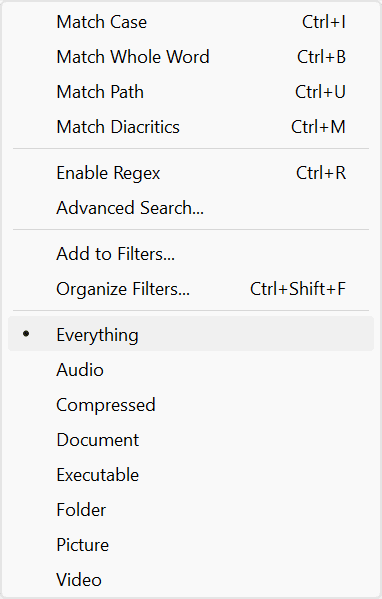
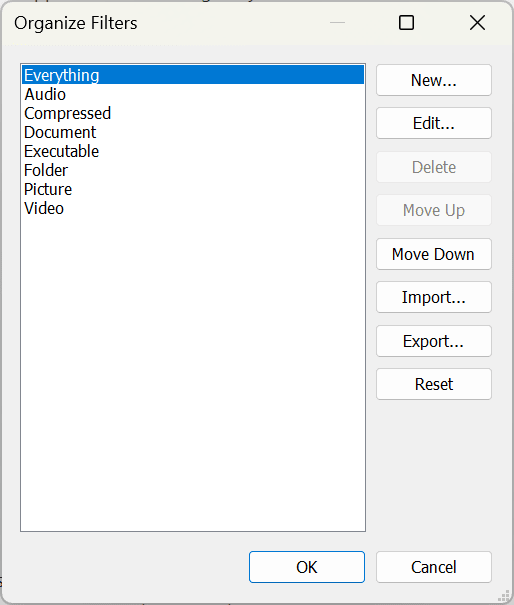
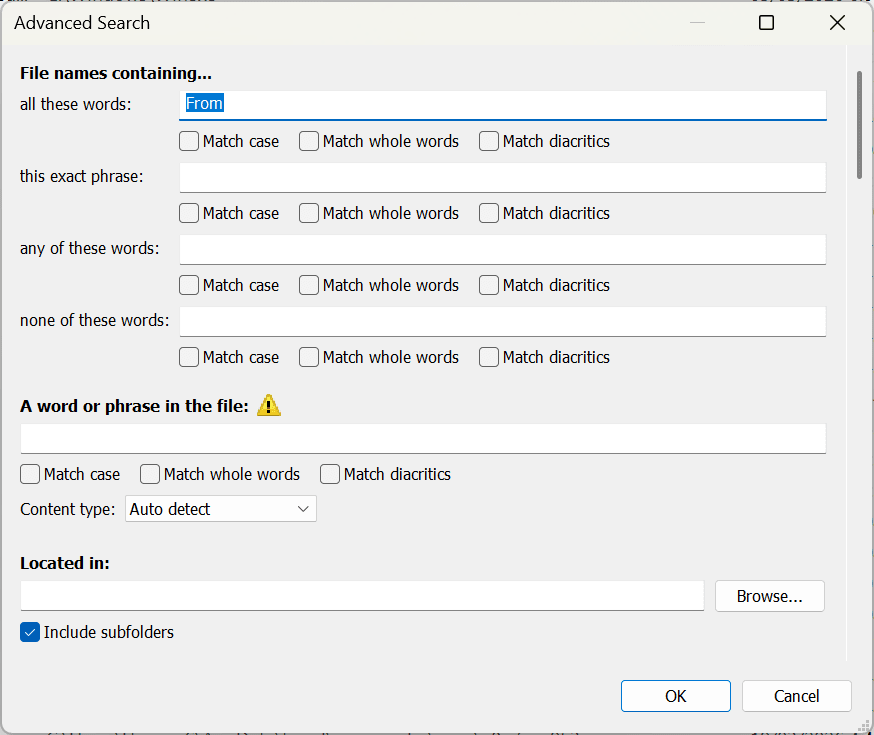
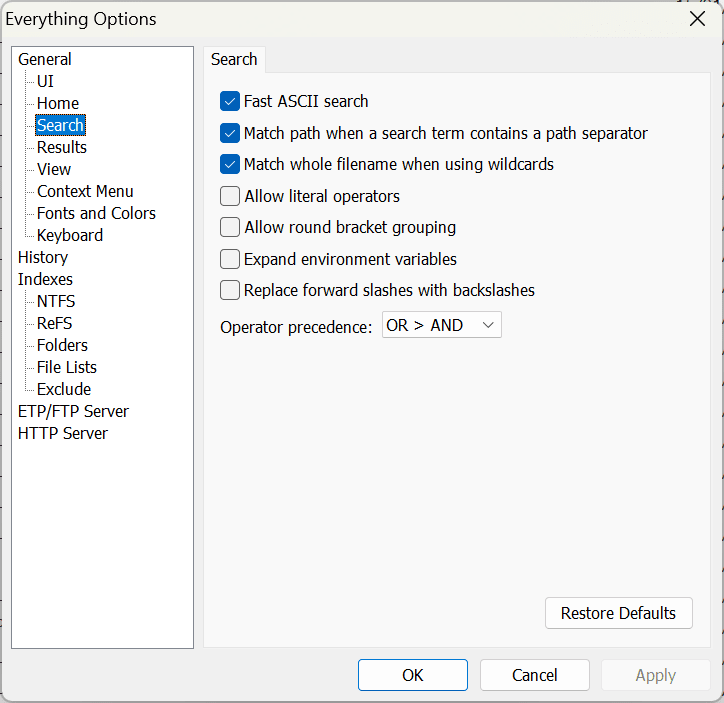
While simple keyword searches work perfectly for standard tasks, the software packs advanced filtering for complex queries. You can narrow down your results using:
- Wildcards and boolean operators
- File size, dates, extensions, and exact paths
- Specific file attributes
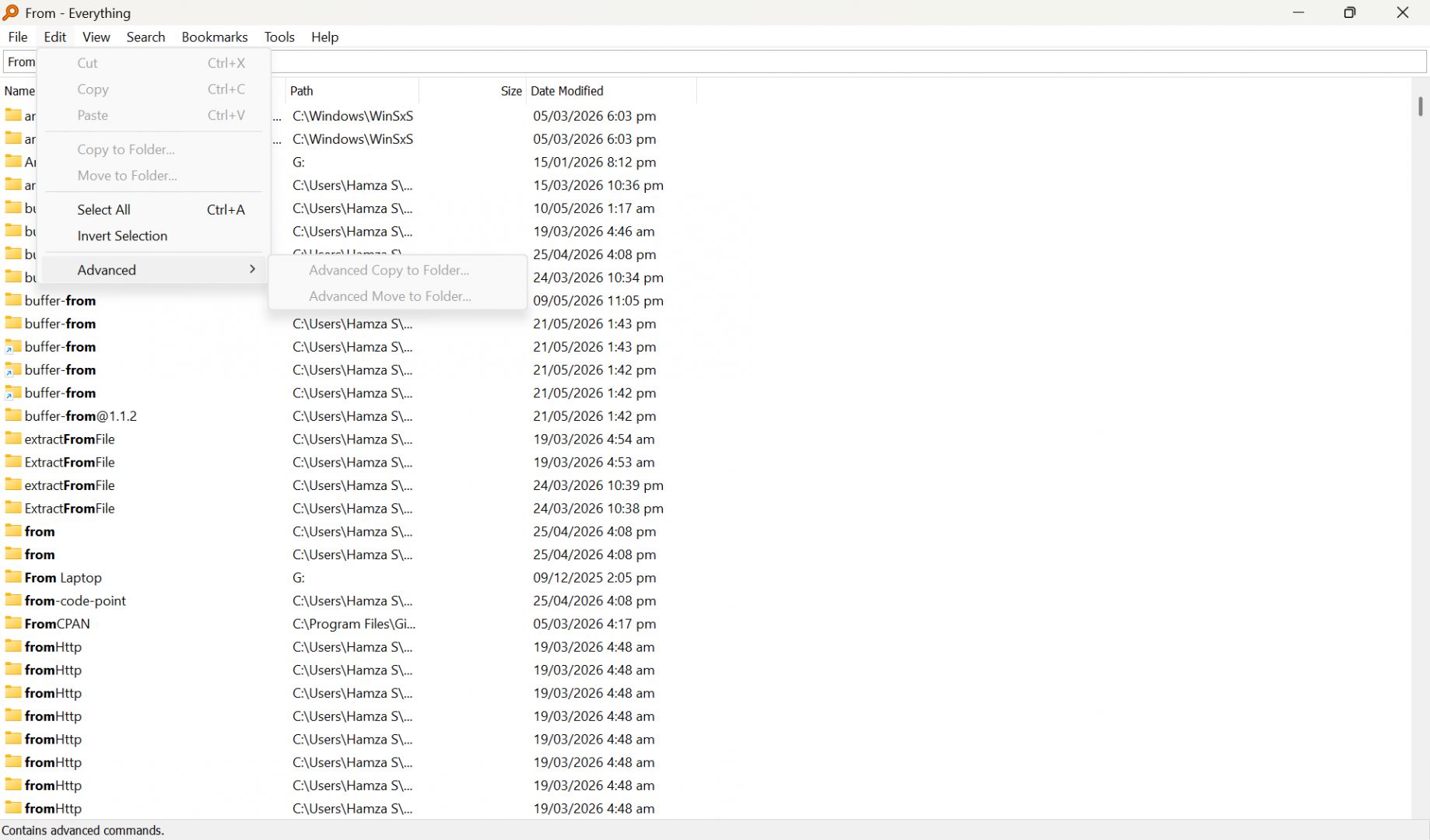
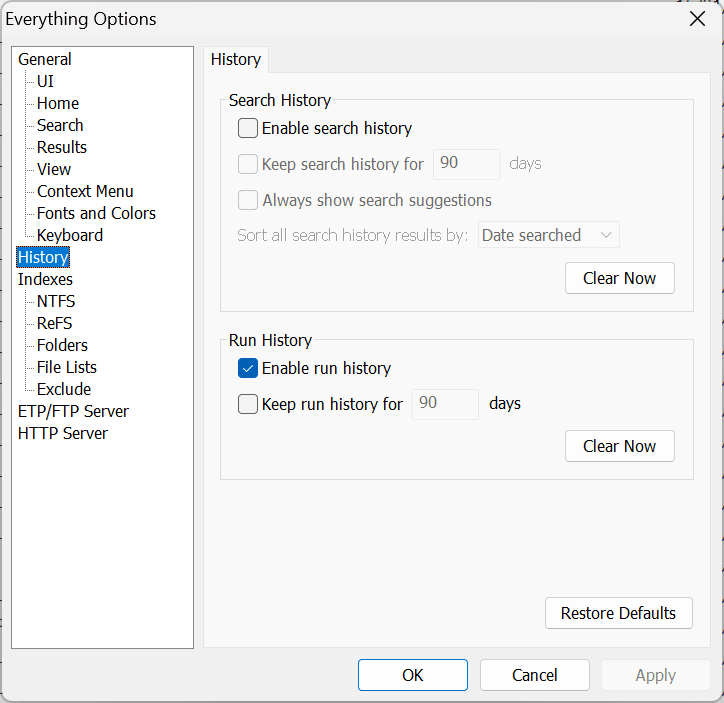
These advanced filters help you track down obscure files buried deep in your system. The software also provides bookmarks, saved searches, and customizable keyboard shortcuts. With the long-awaited version 1.5, the application now natively supports Dark Mode, extensive property indexing, and full content indexing.
Resource usage and real-time updates
Despite its speed, Everything requires minimal system resources. It maintains a highly optimized database that uses a tiny footprint in your system memory. The database updates automatically in real time whenever files are created, renamed, moved, or deleted. Because the software monitors NTFS file system changes directly, your search results always stay accurate without requiring manual reindexing.
Pricing and licensing
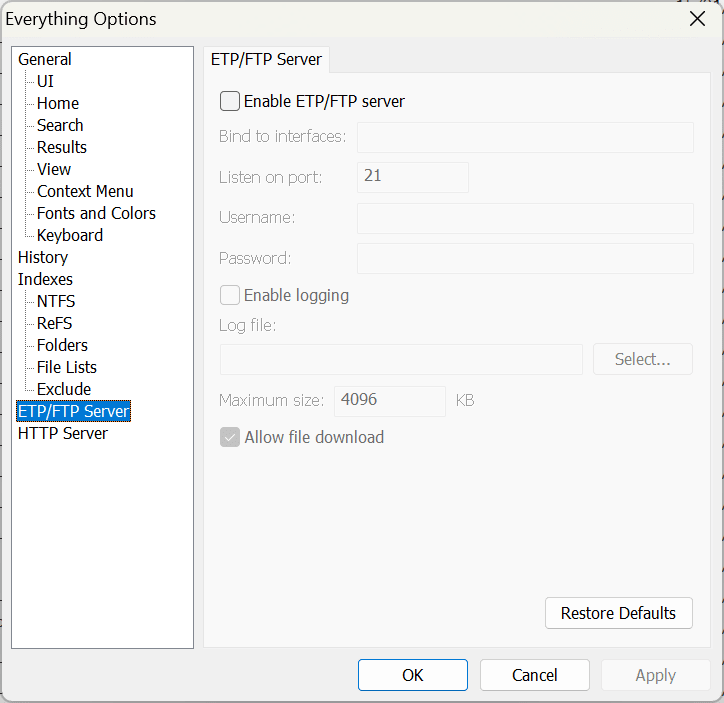
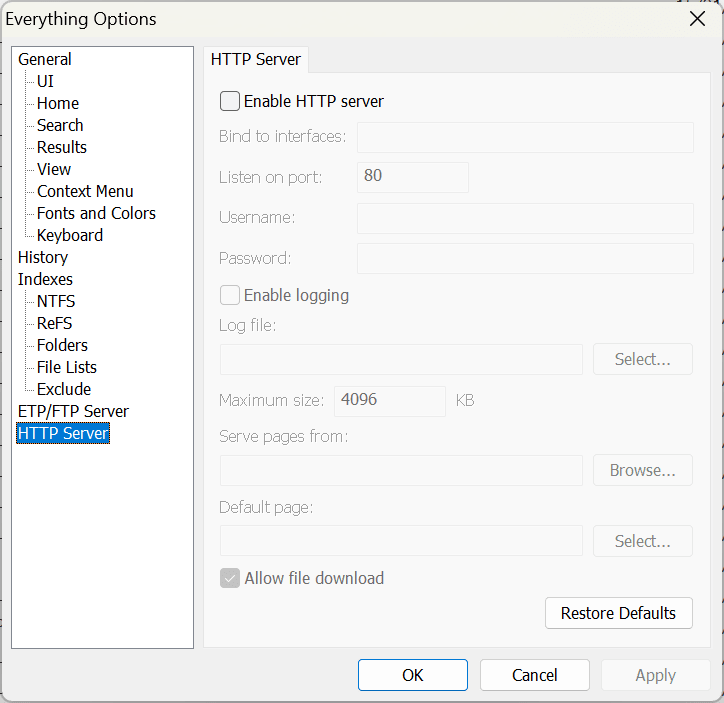
Everything operates as completely free software for both personal and commercial use. It functions as unrestricted freeware without any premium tiers, subscriptions, or paid enterprise licenses. While the developer accepts optional donations, you get full access to all features - including network searches and server hosting - right out of the box.
A powerful replacement for traditional Windows file search
Everything provides one of the fastest and most responsive file search experiences available on the desktop. Its near-instant indexing, advanced filtering syntax, and minimal resource footprint make it an essential utility. Whether you are a casual user looking for a lost document or a system administrator managing vast network drives, this lightweight tool easily outperforms native Windows search.